Creating a Profile
Situation
Section titled “Situation”We want to have a slightly different overlays configurations depending on groupsize or role. Having to manually adjust overlays to display relevant or hide unneeded information is tedious. Simple “per role” overlays may not me enough. For example; a different configuration is needed when healing a 16 man raid versus and 8 man raid.
Solution
Section titled “Solution”BARAS allows the creation of upto 12 overlay profiles. Navigate to the Overlays table and click on the gold Customize button in the top-left corner of the overlay control panel.
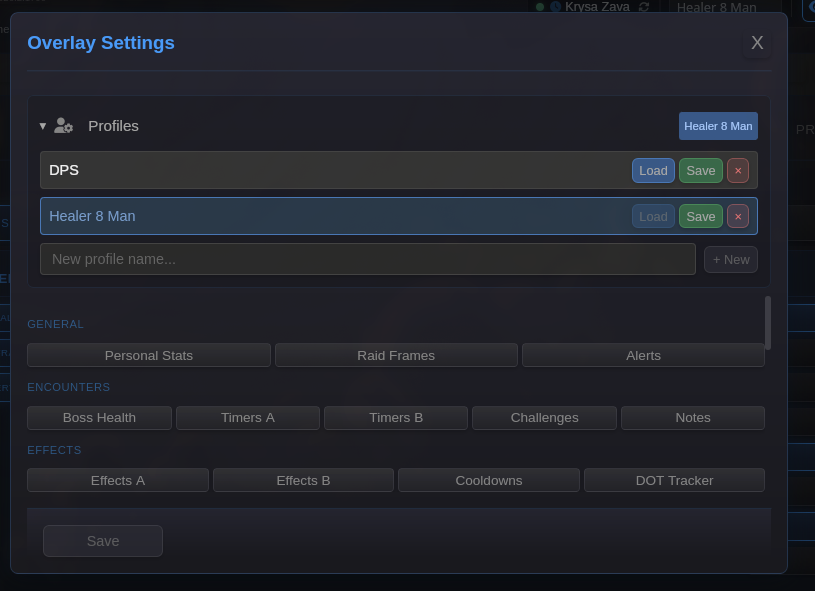
From here you can click on the profiles to see available profiles. In this example, a DPS and a Healer 8 Man profile are already created. If you’re starting fresh, you will need to create an initial profile.
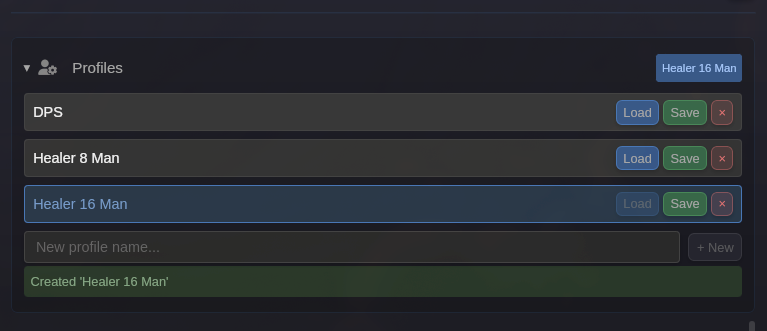
Lets create a new profile for healing 16 person raids. We will start with the 8 person healer profile as a base. Simply type the name in and click New.
Editing Profile Configuration
Section titled “Editing Profile Configuration”We can see that the raid frames have been copied over from our 8 person profile. Let’s update them to handle 16 players.
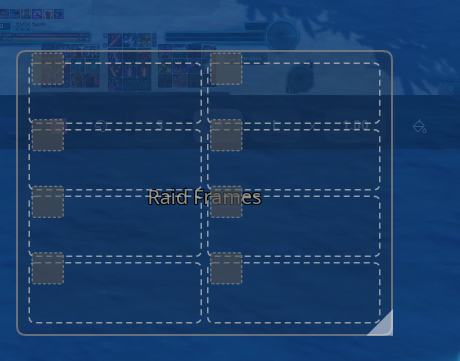
In the customization settings, we changed the frames to have 4 columns, increased the spacing between entries. Make sure you save the changes. Then we moved it on our screen to a different position to fit the 16 player UI setup.
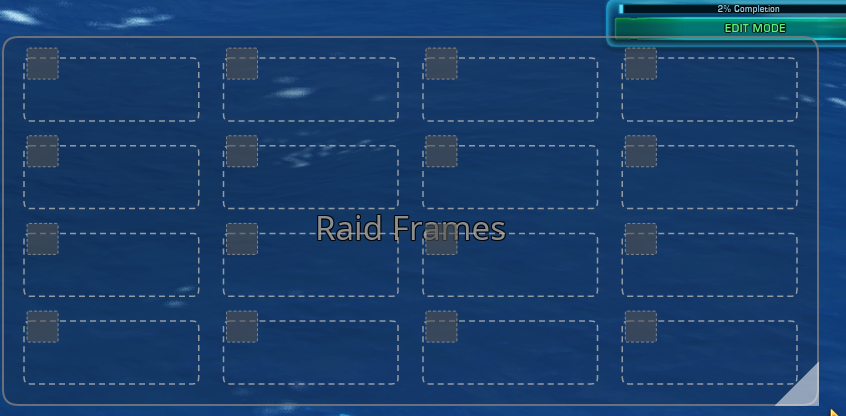
Great! Now the last step is to SAVE the profile changes. Click the floppy disk icon next to the profile selection drop down in order to save the profile.
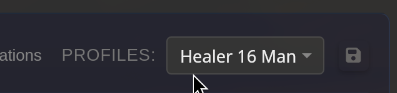
Now we can swap between our 8 and 16 player healer profiles by clicking the desired entry in the profile selection drop down.